 tooneDownload Toone
Outreach: Reddit watcher
Reddit watcher: find the people already asking for you
Toone watches the communities you pick for people asking for a tip or a tool you can help with, drafts replies in your voice for you to approve, and learns from every note and every edit you make.
For anyone with a product, a service or a skill that people ask about on Reddit. You don't need to code. Paste one prompt and Toone builds the watcher with you.
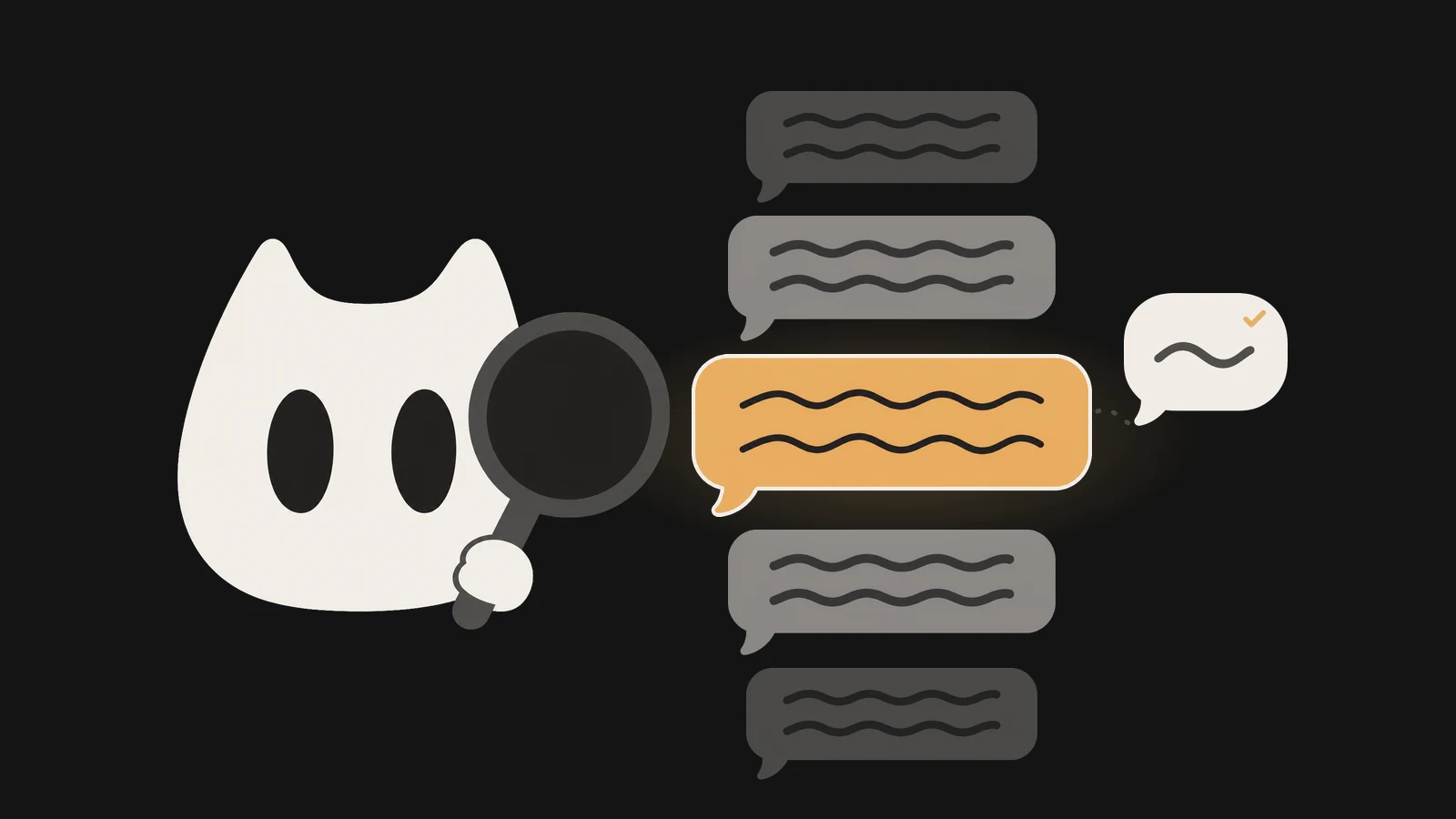
How it works
- Watch: scripts read new threads, the replies to your comments and your comments' points every couple of minutes, with no AI. A live page shows them as they come in, and a Fetch now button reads Reddit straight away.
- Pick: the AI marks threads Relevant, Maybe or Not relevant, moves the best ones to the top, checks each community's rules and drafts a reply in your voice. A Run AI now button starts it on demand.
- Follow up: each reply to your comments gets a short AI breakdown of what it says, its tone and whether it needs an answer.
- Post: only the replies you approve go out, word for word, at most 10 a day and never two in the same subreddit within an hour.
- Learn: every remark, thumbs up or thumbs down becomes a rule, and every draft you edit is compared with your version, so the next drafts sound more like you.
What you need
- A Mac with Toone installed.
- Your Reddit account, signed in on Toone's browser.
- One or two sentences on what you offer, and the one link you are happy to share.
- A few of your own Reddit comments, so the drafts sound like you.
Set it up in Toone
- Download Toone for your Mac and start a new conversation.
- Copy the idea's prompt and paste it into the conversation.
- Answer Toone's setup questions. It shows you the routine before the first run, and nothing runs until you say so.
Prompt
Set up a routine that watches Reddit for people asking for what I offer, drafts replies for me to approve, and gets closer to how I write every time I correct it.

Radar page (radar.html): create it in this project, open it in my browser and keep it open and live. Split it in half:
- Left: every new thread fetched from my subreddits. Once the AI has run, the relevant ones move to the top, marked Relevant, Maybe or Not relevant. A relevant thread shows the subreddit, its rules summary, the post and your draft reply in an editable box. On each draft I can Approve (it posts exactly the text in the box, with my edits), Skip, ask for a new draft with a remark, or tell you how to approach threads like this. On any thread I can say "good thread, draft it" or "not our kind of thread", with an optional note.
- Right: the replies to my comments with an AI breakdown (what each one says, its tone, whether it needs my answer and what to say), the replies you have posted, my recent comments with their points and whether they were removed, and an overview: counts, a heatmap of when threads appear by subreddit and hour, relevant threads by subreddit, and my points by subreddit.
- At the top: when the feed was last updated and when the AI last ran, a "Fetch now" button that reads Reddit straight away, a "Run AI now" button, and a Pause posting switch.
Save every click on the page (approval, skip, feedback, run request) as a file in this project. Every button must lead somewhere: whatever checks those files has to recognise every kind of click, including "Run AI now", and never drop one it doesn't know. Test each button once after setup and show me that it worked.

Learning: keep three files in this project, my voice notes, the matching rules (which threads to answer and which to leave) and a playbook (how to approach each kind of thread). Turn every piece of feedback into a rule in the right file, so I never have to say the same thing twice. Show the current rules and what each piece of feedback changed on a Playbook tab.

Learning from my edits: when I change a draft before approving it, save your draft next to the text I approved. On the next AI run, compare the two, name what I changed (length, first line, tone, details I added or cut, how I mentioned what I offer, the ending), and turn whatever would apply to other threads into rules in my voice notes or the playbook. If I keep making the same kind of edit, make that rule stronger. Keep my 10 latest edited pairs in an examples file with one lesson each, and read them before drafting, so new drafts read like my edited versions rather than your first drafts. On the page, show my edits as a highlighted before-and-after on the approved reply and on the Playbook tab.

During setup, ask me for: what I offer and the one link I may share, the subreddits to watch (suggest some from my description), the kinds of questions that count as a match, and my voice (I will paste a few of my own comments). Use my Reddit account signed in on Toone's browser.

Fetching, without AI: keep it running all the time from 08:00 to 23:00, reading the newest posts in those subreddits, the replies to my comments and how my recent comments are doing every couple of minutes, and update the page.

With AI: a quick check with no AI runs every minute from 08:00 to 23:00 and wakes the AI only when there is something to do: an approval, a piece of feedback, an edit, "Run AI now", or new threads and replies once an hour. Then:
1. Apply my feedback and edits since the last run to the voice notes, matching rules and playbook. Note on the page what changed.
2. Sort the new threads into relevant, maybe and not relevant. Keep a thread as relevant only where a reply would really help. Read each subreddit's rules first and skip any community that bans links, self-promotion or AI-written text.
3. Draft a reply in my voice for each relevant thread, following the playbook and my edited examples, that answers the question first. Mention what I offer only when it fits, say that I made it, and add the link only where the rules allow.
4. Break down the new replies to my comments.
5. Post only the replies I approved on the page, exactly as approved. If posting is paused, keep my approvals and post them once I switch it back on.

Limits: at most 10 replies a day, never two in the same subreddit within an hour, and stop for the day if one of my comments is removed. Remember every thread so a post is never answered twice. Tell me only when new drafts are ready, when posting stops, or when Reddit can't be read, and only once per problem.
Questions
- Does it post anything without asking me?
- No. It posts only the replies you approve on the radar page, exactly as you approved them. Everything else stays a draft.
- Will it break subreddit rules?
- It reads each community's rules before drafting and skips any that ban links, self-promotion or AI-written text. It posts at most 10 replies a day, never two in the same subreddit within an hour, and stops for the day if one of your comments is removed.
- How does it learn how I write?
- Every note you leave becomes a rule. When you edit a draft before approving it, Toone compares its draft with your version and applies what you changed to the next drafts, so they need fewer edits over time.
- Does it use AI all the time?
- No. Plain scripts read Reddit every couple of minutes, so new threads show up almost at once. The AI runs only when there is work: new threads to sort, a note to apply, an edit to learn from or a reply to post. The page shows when each last ran.
Try it on your Mac
Download Toone, start a new conversation and paste the prompt above. Toone asks for anything it needs before the first run.