 tooneDownload Toone
Self-improving YouTube channel
A YouTube channel that gets better with every review
Toone researches what to make, drafts and edits each video with Claude, and turns every review note into a rule the next video follows.
For anyone starting or running a channel who wants help with research, scripts and edits, and wants the final say on every video.
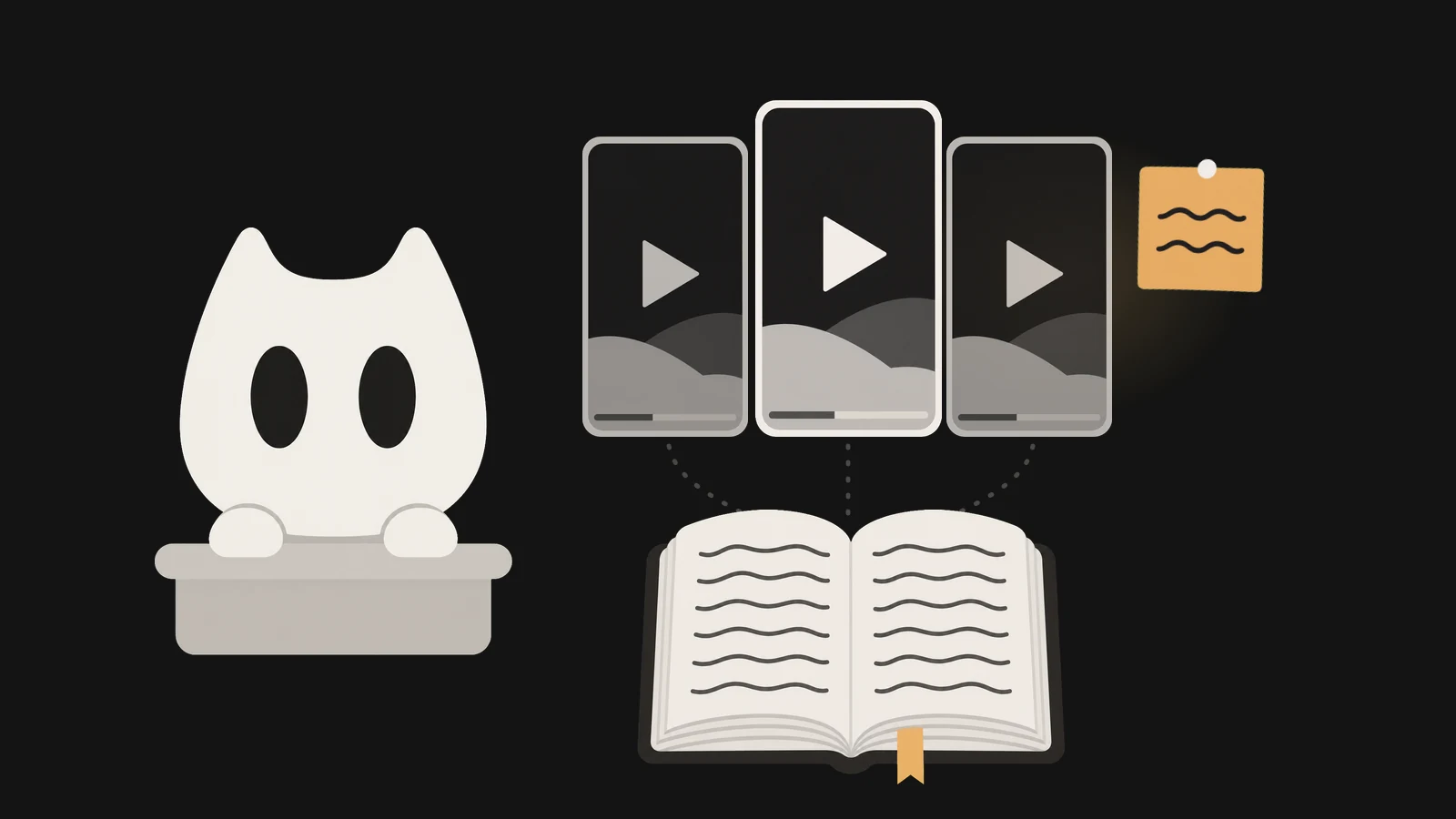
How it works
- Research: Toone finds topics that fit the channel and checks the facts behind them.
- Make: Claude writes, edits and reviews each video against the channel's playbook.
- Improve: you leave remarks on a review page Toone keeps updated, and each remark becomes a playbook rule, so the same note is never needed twice.
Case study: Tube of Ideas, with Chip & Mo
Tube of Ideas is a Shorts channel hosted by two characters, Chip and Mo. Toone runs the research, the scripts, the edit and the review. Each note left on a video goes into the channel's playbook, so the channel's voice and intent sharpen with every review. The Chip & Mo playbook is on its 41st version.
What you need
- A Mac with Toone installed.
- A short description of your channel, its audience and the topics to avoid.
- The editing tools you use, connected in Toone.
- Time to review each video on the review page Toone keeps for you.
Set it up in Toone
- Download Toone for your Mac and start a new conversation.
- Copy the idea's prompt and paste it into the conversation.
- Answer Toone's setup questions. It shows you the routine before the first run, and nothing runs until you say so.
Prompt
Set up a routine that makes videos for my YouTube channel and gets better from my remarks.

Review page (review.html), where I track every video and polish the channel with my remarks: create it in this project, open it in my browser and keep it updated after every run. It lists each run's videos with a player, and every video has a form where I give a verdict (accept, polish or drop), a score from 1 to 10 and notes pinned to a moment in the video. I can save a draft and press Send when I am done. Save every remark as a file in this project. The page also shows, under each remark, whether you have read it and what you changed because of it.

During setup, ask me for: the channel and its audience, the format (Shorts or long-form), how many videos a week, the topics it covers and the ones to avoid, and the editing tools I have connected.

Each run:
1. Read only the remarks I sent since the last run, and mark them read on the page.
2. Turn each remark into a rule in a channel playbook kept as a versioned file in this project. If a remark contradicts an existing rule, ask me which one wins. Write your answer back on the page next to the remark: what changed and in which run.
3. Research topics that fit the channel. Check every claim against at least two sources and keep the sources with the topic.
4. Write each script against the current playbook: hook, structure, length and voice.
5. Assemble each video with my editing tools, then have Claude review the cut against the playbook and the facts, and fix what fails before it reaches me.
6. Add the new videos to the review page with their title, description and thumbnail, and open a section at the top called "What changed since your last remarks".

Rules: never upload or schedule a video I have not accepted on the page. Never apply the same remark twice. End each run with a short report of what was made, what was skipped and why.

Schedule: daily. Ask me for the time.
Questions
- Does it upload videos on its own?
- No. A video is uploaded or scheduled only after you accept it on the review page.
- What happens to my review notes?
- Each note becomes a rule in the channel's playbook, so you never give the same note twice. The review page shows what changed because of each note.
- Is there a channel that runs this way?
- Yes. Tube of Ideas, a Shorts channel hosted by Chip and Mo, runs on it. Its playbook is on its 41st version.
Try it on your Mac
Download Toone, start a new conversation and paste the prompt above. Toone asks for anything it needs before the first run.